


Holiday homes
Give guests one simple place to find Wi-Fi details, house instructions, local guides and useful documents.
Features
Start with a simple list, then organise, share, discover and publish it in more detail.
Made for everyday life
From your personal projects to your business resources, Slikah Lists keep the information you need organised and easy to share.
Give guests one simple place to find Wi-Fi details, house instructions, local guides and useful documents.

Share manuals, documents, training videos and important information with your team or customers.

Keep recipes, travel plans, ideas, favourite websites and useful files organised in one place.

Bring useful information together so everyone knows where to find what they need.
Bring files, links, videos, images and notes into lists, then keep them easy to find.
A profile brings your picture, bio and the public lists you want people to see into one page.
Group links, files, documents and videos into folders, so a long collection stays easy to open.
Reorder lists, folders and files, and drop in links, videos or several files at once.
Upload PDFs, images and documents once, keep them in folders, and see how much space you have left.
Websites, PDFs, videos and image galleries open beside the list, or full screen when you want a closer look.
Run a personal profile and a business profile from the same login, and switch between them.
Profile, search, Drive and settings sit in a bar at the bottom of the screen on a phone.
Your profile
Add a cover, photo and name, then share the lists you want people to see. Anyone can find your profile, and it looks the same on a computer and on a phone.
Simple from the start
A list holds folders, files, links, videos, image galleries and notes. Add any of them from the same menu.
Media
The media panel sits next to the list, so a PDF stays open while you look through everything else.
Choose who can see a list, approve access, and decide who on the team can edit.
Public lists can be found by anyone. Secure lists need your approval. Private lists stay with you.
Invite people by email, approve who can open a secure list, and remove access whenever you need to.
People can ask to see a secure list. You approve or decline each request, and you can see who already has access.
Send an invitation by email, and follow up on the ones that are still waiting.
Add owners, admins, editors and viewers, change roles, and hand a profile to someone else.
Hear about new follows, access requests, list updates and team activity, with an unread count.
Anyone can report a list or profile. Reports are reviewed so Slikah stays a place people trust.
Teams
Invite people to your profile. They can open your public, secure and private lists. You choose who can only look, and who can make changes.
Find public lists from people and businesses, then follow the ones you want to keep.
People follow the lists they care about. You can see how many are following each of yours.
One box finds profiles and public lists as you type. Inside a list, search finds the files and links in it.
Browse popular profiles, categories and public lists that people are following.
See what people open, which searches found nothing, and how invitations are doing.
Discover Slikah
Explore public Slikah Lists from people, businesses and communities. Follow the ones you love and find them whenever you need them.
Explore public listsDiscover useful lists
Share a link, embed a list, or publish a branded website that stays in step with Slikah.
Put your logo, colours and web address on a page of your lists, and take the Slikah mark off.
Start free. Pro adds storage, analytics and team management. Business adds a branded list website.
Studio resources
Files, links and folders for the team.
Your website
Put a list on a page you already have. Rename it, rewrite the description, and add files from your Slikah profile. The list on your site updates on its own, so visitors always see the latest version.
Open the share button on a list and choose where to send it. The link opens only that list, with your name and picture, so people can see who shared it and open your profile.
Connect your own domain, or use a free address on slikah.com.
Add your logo so the page looks like your business.
Set the page, list and text colours to match your brand.
Pick a page layout without rebuilding your lists.
Leave lists open to everyone, or lock them until you approve access.
Edits you make in Slikah show up on this page on their own.

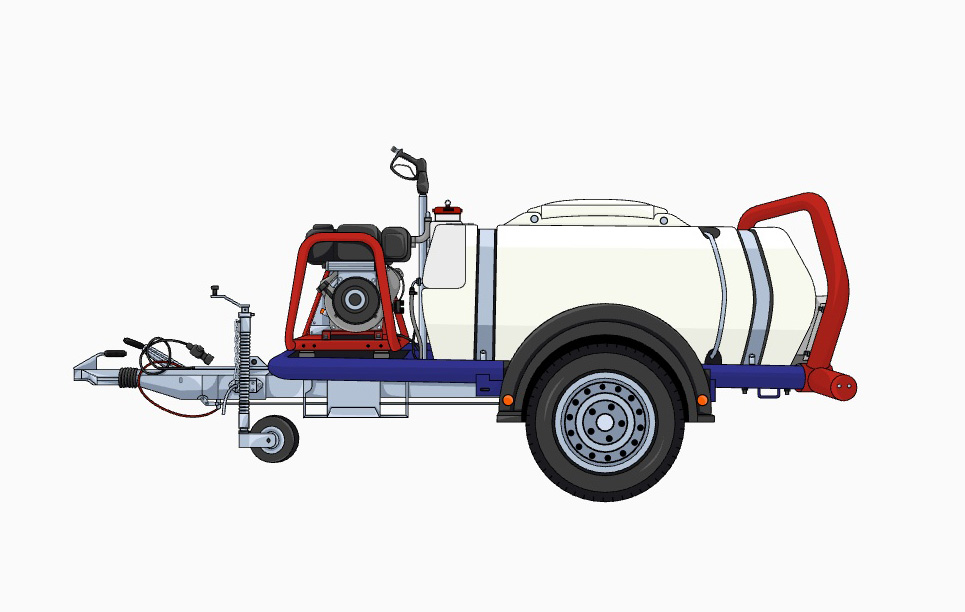
Site manuals
How the team works on site.
Manuals2
Engine manual
PDF · 840 KB
Trailer setup
Checklist
Customer files
Quotes and photos for approved customers.
Secure list · access by approval only
Request access